
The Journey Home: one team for the network, cameras, gates and Microsoft 365
The Journey Home is a Christian ministry in Murfreesboro serving the homeless and disadvantaged of Rutherford County, under a simple motto: “Love God. Serve People.” We started with a security assessment, replaced their network end to end with UniFi, added cameras and door and gate access, and now manage it every day. Right now we're moving the organization from Google Workspace to its own Microsoft 365.
Started with an assessment, finished with a new network
Before recommending anything, we assessed what was there and laid out the findings and a plan in plain language. Then we replaced the network end to end.
The core
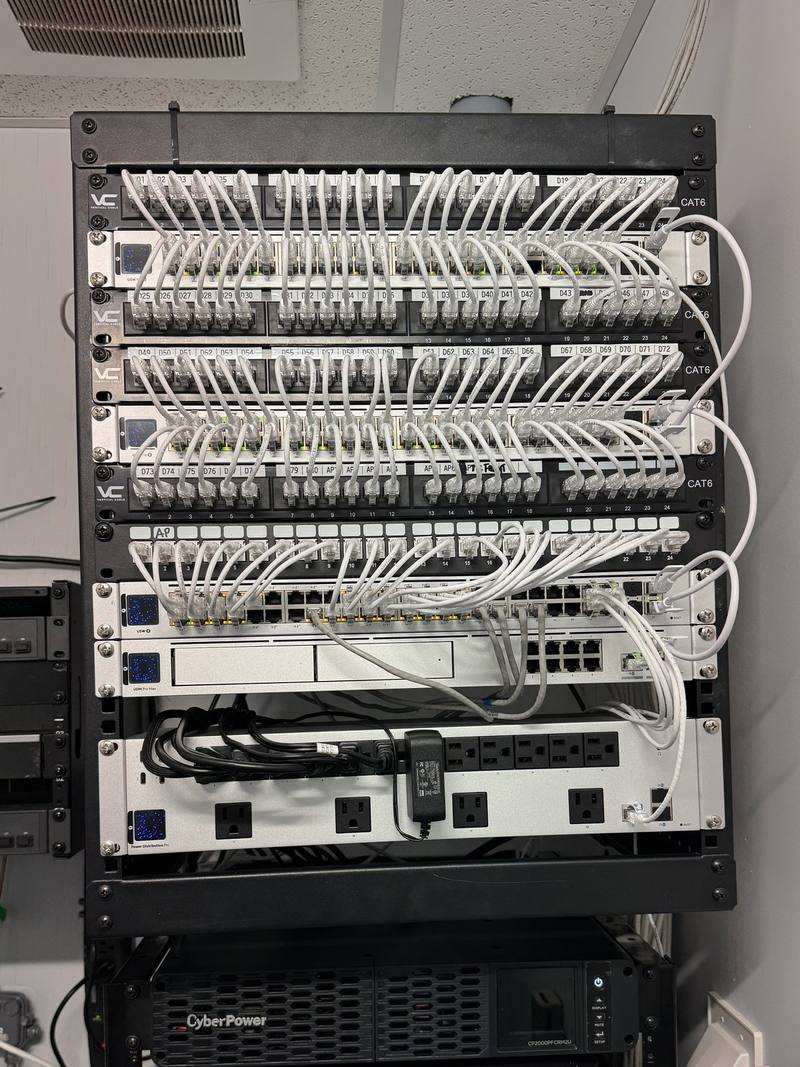
A UniFi Dream Machine Pro Max runs the network, the cameras and the door access from one console, backed by a UPS.
- Pro Max console with UniFi Network, Protect and Access
- UniFi Pro switches with PoE for cameras, APs and readers
- Battery backup on the core equipment
WiFi inside and out
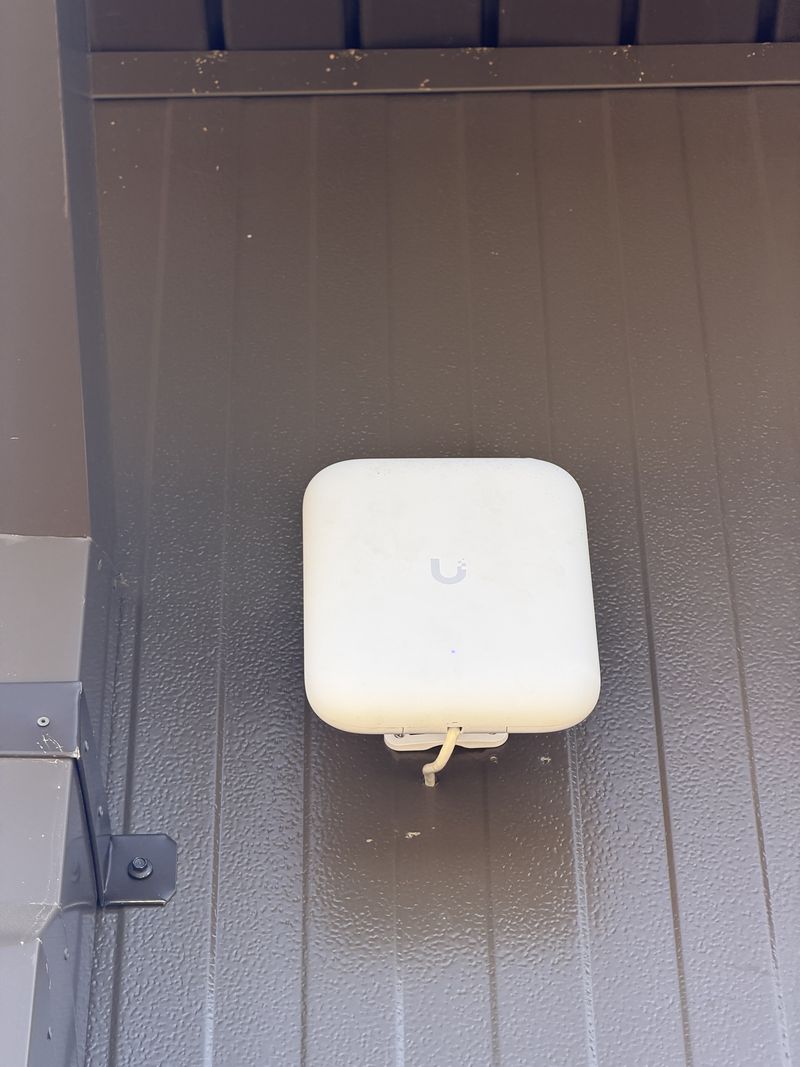
Access points through the building and a UniFi U7 Pro Outdoor covering the grounds.
- Coverage outside for the lot and entrances
- One dashboard for every access point
Managed every day
We're their delegated admin. The network and Microsoft 365 are monitored around the clock.
- Network and Microsoft 365 watched around the clock
- Anything unusual researched, with a quick fix and a long-term fix
- Plain-language notes staff can forward
Who comes in, and what happened, from one app
UniFi Protect cameras and UniFi Access doors run on the same console as the network, so staff manage people, doors and video in one place, with no camera subscriptions.
- Doors
- UniFi Access readers on the building doors. Staff get credentials that can be issued or turned off in seconds, with no keys to collect.
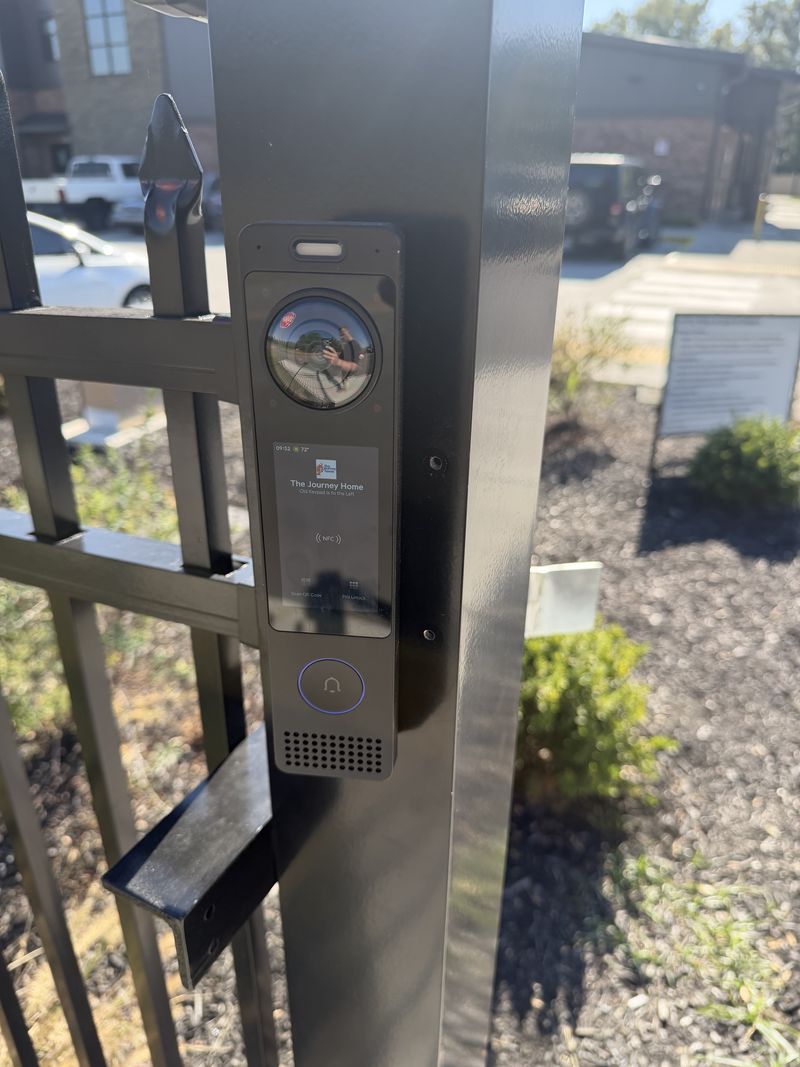
- Gate
- The pedestrian gate has a UniFi Access intercom: tap a card or phone, enter a PIN, scan a QR code, or press the call button.
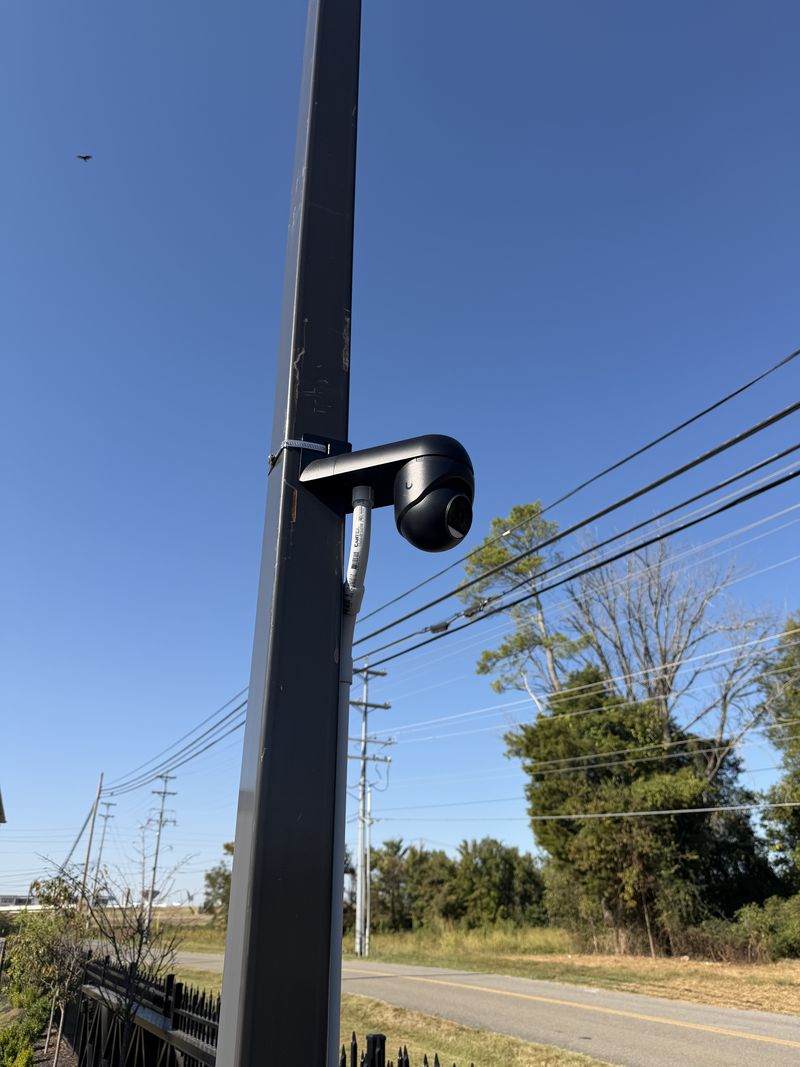
- Cameras
- UniFi Protect cameras around the site, recording locally on the console. No monthly fees.
The new parking lot
The Journey Home is adding a parking lot, and we're building the technology into it alongside their contractor instead of bolting it on afterward.
Automatic vehicle gate
A rolling gate staff can open from inside the building, tied into UniFi Access and the intercom.
Lot cameras
UniFi G6 Pro cameras on the poles, recording to the same console as the rest of the site.
Data where it's needed
Network cable to the poles and conduit to the storage building and pavilion, run before the paving goes down.
From Google Workspace to Microsoft 365
The Journey Home's files were spread across Google shared drives and personal OneDrive folders. We're moving everything into the organization's own Microsoft 365, so files belong to the organization, not to whoever created them.
- Files
- 27,051 files (78 GB) from 7 sources, reviewed and sorted into 10 SharePoint libraries, 3 of them restricted to the staff who need them.
- Moving in waves
- Planned waves, so each group checks its files before the next wave starts and nobody loses access mid-week.
- Licenses
- Microsoft 365 Business Premium at the nonprofit rate.
- Security
- Two-step sign-in, sign-in rules (Conditional Access) and laptop management (Intune) set up before staff move in.
- Stays on Google for now and moves in a later cutover, after the files are settled.
See how we price this work: Microsoft 365 & Google Workspace.
The smaller things that help
Lobby display board
The lobby screen shows announcements. Staff update it by sending an email; they approve a preview before it goes live.
Website and email review
A security and usability review of their website, and a plan for the email records (SPF, DKIM and DMARC) that stop people faking their address.
Technology plan for the board
A full assessment of the platforms they use and a plain-language map of how the pieces fit, for the board and staff.
Want this for your building?
We'll walk your building at no charge, tell you what we'd change, and send one written price. Nonprofits get 20% off setup and migration.
Shared with The Journey Home's permission. Black Pearl Automation LLC is an independent installer. We are not affiliated with Ubiquiti Inc., Microsoft or Google, and are not a Microsoft or Google partner.